

Prehistoric Eggs
Pepperhead Workshop · Version 5.4.2026
Prehistoric Eggs is an Android lottery game available as a standalone APK download. Pepperhead Workshop is credited as the developer. On the technical side, the current build is 5.4.2026, the installer weighs 51.6 MB, it needs Android 6.0+.
- Version
- 5.4.2026
- Size
- 51.6 MB
- Requires
- Android 6.0+
- Developer
- Pepperhead Workshop
- Updated
- Jul 31, 2026
- Languages
- 85
- Package
- com.pepperheadworkshop.Prehistoric_Eggs
- Content rating
- Teen · Simulated Gambling
Prehistoric Eggs screenshots
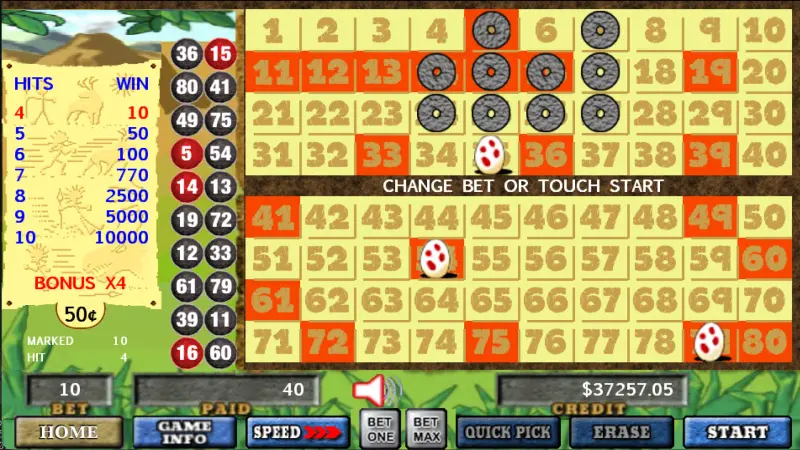
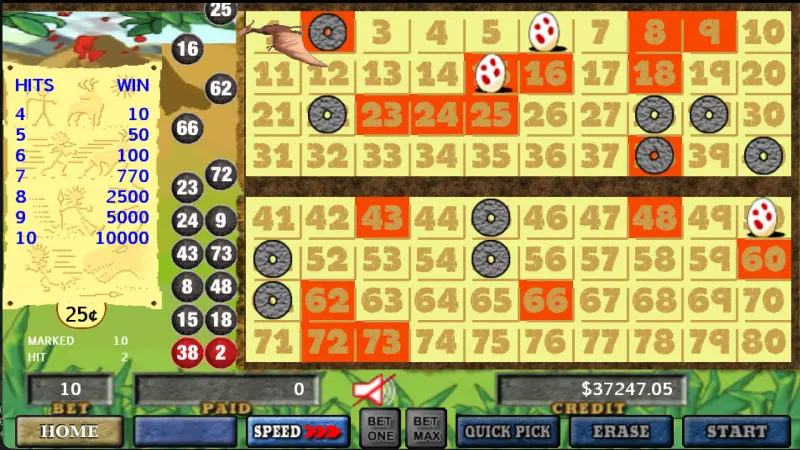
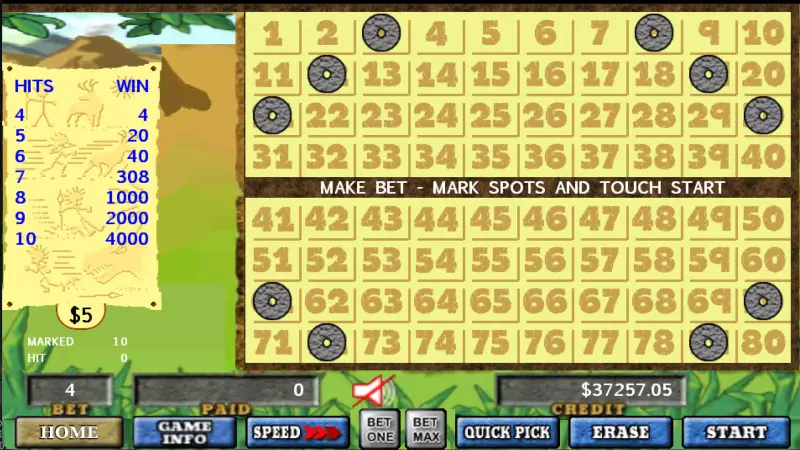
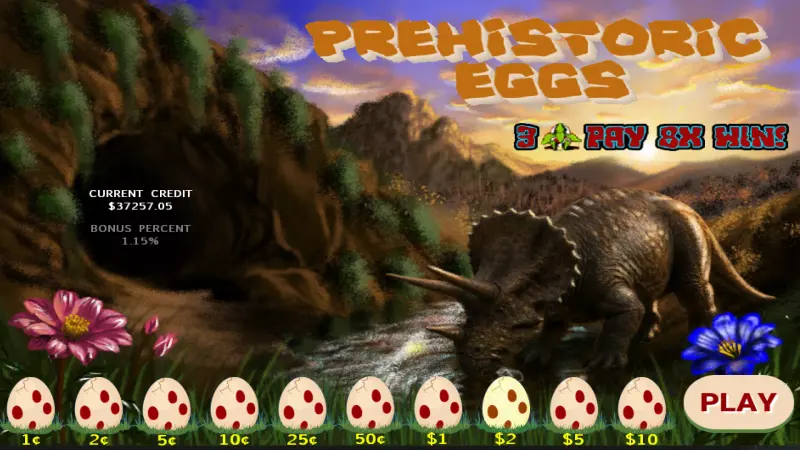
What we know about Prehistoric Eggs
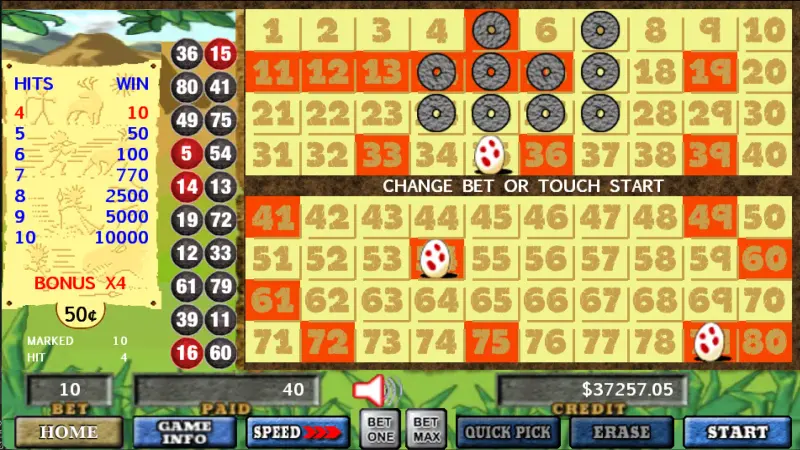
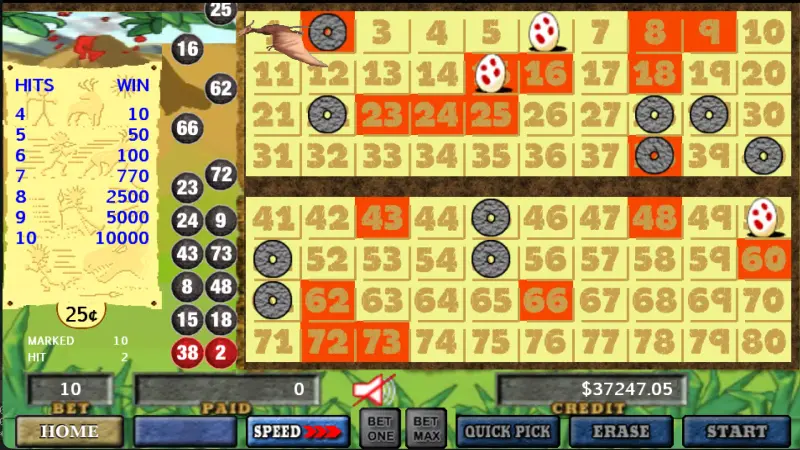
Its install counter stands at 1K+ downloads. The content rating flags simulated gambling — the in-game currency carries no cash value and cannot be withdrawn. The interface is localised into 85 languages. Below are 6 interface screenshots showing the visual style, the game modes on offer and how the menus are laid out.
Prehistoric Eggs APK — frequently asked questions
How do I download and install the Prehistoric Eggs APK?
Save the APK file to your phone, then allow installs from unknown sources for the browser or file manager you used — Settings → Apps → Special access → Install unknown apps. Open the file to install, then switch the permission back off. The download is 51.6 MB.
What Android version does Prehistoric Eggs need?
The stated requirement is Android 6.0+. On older releases of the operating system the APK will usually fail to install with a compatibility error.
How much space does Prehistoric Eggs take up?
The installer is 51.6 MB. Game clients normally pull additional assets after the first launch, so the installed footprint ends up noticeably larger — leave some headroom.
Is Prehistoric Eggs free to play?
Yes. It is a lottery game running on virtual chips — winnings carry no cash value and cannot be withdrawn, though the app may sell chip packs as in-app purchases.
Which version of Prehistoric Eggs is current?
This page tracks version 5.4.2026, last checked on Jul 31, 2026.
Installing the Prehistoric Eggs APK
Files from outside Google Play are installed manually. Open Settings → Apps → Special access → Install unknown apps, and allow it for the browser or file manager you downloaded with. Turn the permission back off once you are done. Always check where the file came from: a swapped-out APK is the most common way mobile trojans get distributed.
Apps similar to Prehistoric Eggs
 Color Game Land Lucky Scratch 4.8
  Scratcher & Clicker 4.7
  Vegas Keno by Pokerist 5.0
  Lottery machine U.S. 66.8 MB
  Scratch Off Daily 136.0 MB
  KENO Now 7.8 MB
  Sweeps Night Social Casino 364.9 MB
  Keno Games: Live Jackpots 48.8 MB
  Lotsa Scratch:Big win 242.7 MB
  Keno Games - Vegas Casino Pro 80.1 MB
  Scratchville Adventure 188.1 MB
  Lao Bork Lek 27.9 MB
 Technical details reflect the state of the app at the time of publication and may since have changed. APKRage does not host installer files for the apps listed here and is not affiliated with their developers.